If you are reading this, you probably have a Salesforce or HubSpot quote on your desk and the number made you wince. Or you already pay for one and your team only half uses it.
This guide is for owners and sales heads of small teams, roughly 10 to 50 people. It shows what the main options really cost per year at three team sizes, who each one suits, and how to choose without buying the wrong thing.
The short answer: for most small teams with a normal sales process, Zoho or Odoo is enough, and it costs a fraction of Salesforce or HubSpot Professional. A 25-person team pays about ₹4,20,000 a year on Zoho Professional. The same team pays about ₹28,50,000 on Salesforce Pro Suite. Stay on Salesforce or HubSpot only if you really use what the higher plans give you. Build a custom CRM only if your sales process or your data is genuinely unusual.
Why people start looking for an alternative
There are usually three reasons.
The price jumps between plans. Zoho Professional is ₹1,400 per user per month. HubSpot Sales Hub Professional is about $90 (₹8,550), and Salesforce Pro Suite is $100 (₹9,500). That is six to seven times more per seat.
There are fees on top. HubSpot Professional comes with a required onboarding fee of $1,500 (about ₹1,42,500). Zoho's prices are quoted before 18% GST in India.
The team does not use it. This one never shows up on a price page. If your reps open the CRM only when the boss asks for a report, you are paying for something that is not working. More on that below.
What each option costs per year
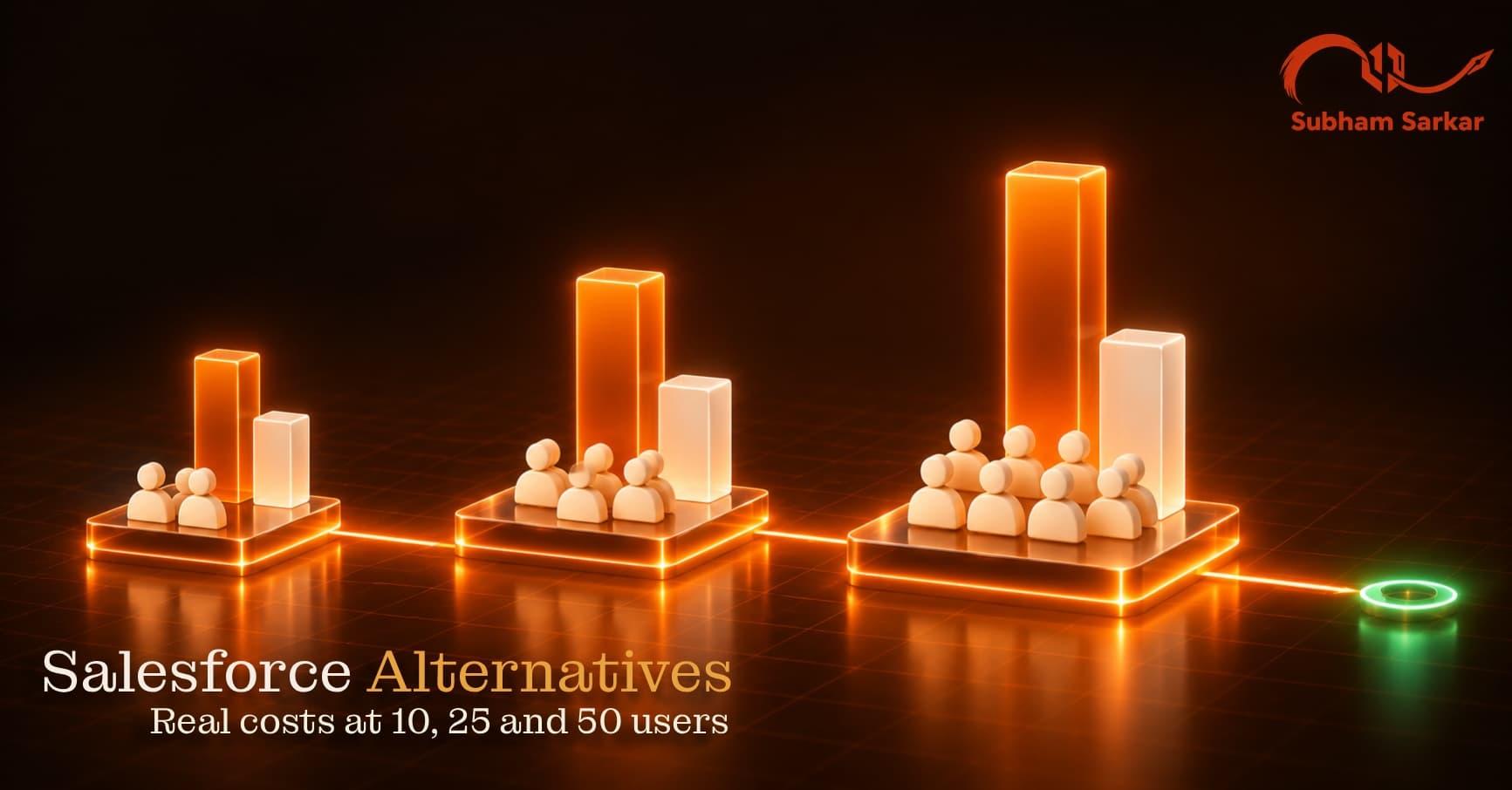
These are licence costs for one year, billed yearly. Rupee figures for HubSpot and Salesforce are converted from dollar prices at about ₹95 to $1, so treat them as close, not exact.
Option | 10 users | 25 users | 50 users |
|---|---|---|---|
Zoho CRM Professional (₹1,400 per user per month) | ₹1,68,000 | ₹4,20,000 | ₹8,40,000 |
Odoo CRM, Custom plan (₹1,150 per user per month) | ₹1,38,000 | ₹3,45,000 | ₹6,90,000 |
HubSpot Sales Hub Professional (about $90, ₹8,550 per user per month) | ₹10,26,000 | ₹25,65,000 | ₹51,30,000 |
Salesforce Pro Suite ($100, ₹9,500 per user per month) | ₹11,40,000 | ₹28,50,000 | ₹57,00,000 |
HubSpot Professional also needs the one-time onboarding fee of about ₹1,42,500 in the first year. Zoho needs 18% GST added. Odoo's price depends on your region, so check it for yours.
Prices checked on 5 November 2026. Vendors change them, so confirm on their websites before you decide.
This table only counts what you pay the vendor. Setting it up, moving your data and training your team all cost extra, whichever you pick.
The options in plain words
Zoho CRM. It is free for up to 3 users, and paid plans run from ₹800 to ₹2,600 per user per month in India. It suits a team with a standard sales process that wants to track leads and deals without fuss. Check which features sit in which plan before you buy, because the cheapest plan leaves out things people assume are included.
Odoo CRM. You can use the CRM as the one free app, or pay ₹725 (Standard) or ₹1,150 (Custom) per user per month. It makes the most sense if you also want invoicing, inventory or accounting in the same system, so your sales data and your money data are not in two places.
HubSpot. The free CRM is a decent place to start. The jump to Professional is where the cost climbs, and the onboarding fee comes with it. It suits a team that wants marketing and sales in one place and will really use both.
Salesforce. Plans run from $25 (Starter Suite) up to $175 (Enterprise) per user per month. It can be customised deeply, but that usually means someone on your side who can administer it. It suits larger teams with complex processes. For an 8-person team that struggles to keep a spreadsheet up to date, it is usually more tool than they need.
A custom CRM. You get exactly what you need and nothing else. It only pays off in specific situations, which I cover below.
How to choose: five checks that matter more than features
1. Write down what happens when a lead arrives. Start from the second a new lead comes in and go step by step until they pay you. Who sees it first? Where does it go? Who follows up, and when? If you cannot write this down, no CRM will fix it. This one exercise shows you the real mess, and it tells you which features you need.
2. Choose for the people who will use it daily. A 50-item feature checklist is a trap. The CRM that wins is the one your reps will open every day. Pick the simplest option that covers the steps you wrote down.
3. Do not buy a big-company tool for a small team. If your team already struggles to keep a Google Sheet current, an enterprise CRM will not change that. It will add a login nobody likes.
4. Clean your data before you move it. Do not take 5,000 messy, duplicated and outdated rows from an old spreadsheet and drop them into a new system. You just pollute the new CRM on day one.
5. Test with real leads for two weeks. Put the real team on a trial, with real leads. At the end, ask one question: did the reps update it without being chased? If they did because it saved them time on follow-ups and emails, it is working. If they only did it because someone checks, it is not.
Moving your data without making a mess
This is the step most teams rush. A simple order that works:
- Export everything from your current tool or spreadsheet.
- Remove duplicates and dead leads. If nobody has touched a contact in years, you probably do not need it.
- Make fields consistent: one format for phone numbers, one list of sources, one spelling per company.
- Import a small batch of 100 or so first and check it.
- Only then import the rest.
When a custom CRM makes sense
A custom CRM is right only when your core process or data logic is unusual. Disliking a standard dropdown menu is not a reason. The honest test is whether a standard tool, after a bit of setup, covers at least most of what you do.
The cost side depends heavily on team size. Here is an example, with a custom build at ₹5,00,000 (inside the range one India-based agency quotes for a mid-level CRM) and upkeep at 15% a year, which is ₹75,000. It is compared with Zoho Professional.
Team size | Zoho Professional per year | Custom CRM break-even |
|---|---|---|
10 users | ₹1,68,000 | about 5.4 years |
25 users | ₹4,20,000 | about 1.4 years |
50 users | ₹8,40,000 | about 8 months |
Break-even here is the build cost divided by the yearly Zoho cost minus the yearly upkeep. At 10 users, Zoho stays cheaper for years, so a custom build rarely makes sense on price alone. At 50 users, it can pay for itself within a year, but a 50-user team will probably need a bigger build than ₹5,00,000, so read the 8 months as the best case.
Against HubSpot Professional or Salesforce Pro Suite, the payback is faster, under a year even at 10 users. But those plans include far more than a ₹5,00,000 build would, so compare features, not just price. I go through the full build costs and the three-year maths in the custom CRM cost guide.
Frequently Asked Questions
It depends on your process. For a standard sales process, Zoho CRM or Odoo CRM is usually enough, and either costs far less per user than Salesforce. If you also need invoicing and inventory in the same system, Odoo is worth a look. If your process is truly unusual, a custom CRM is worth pricing.