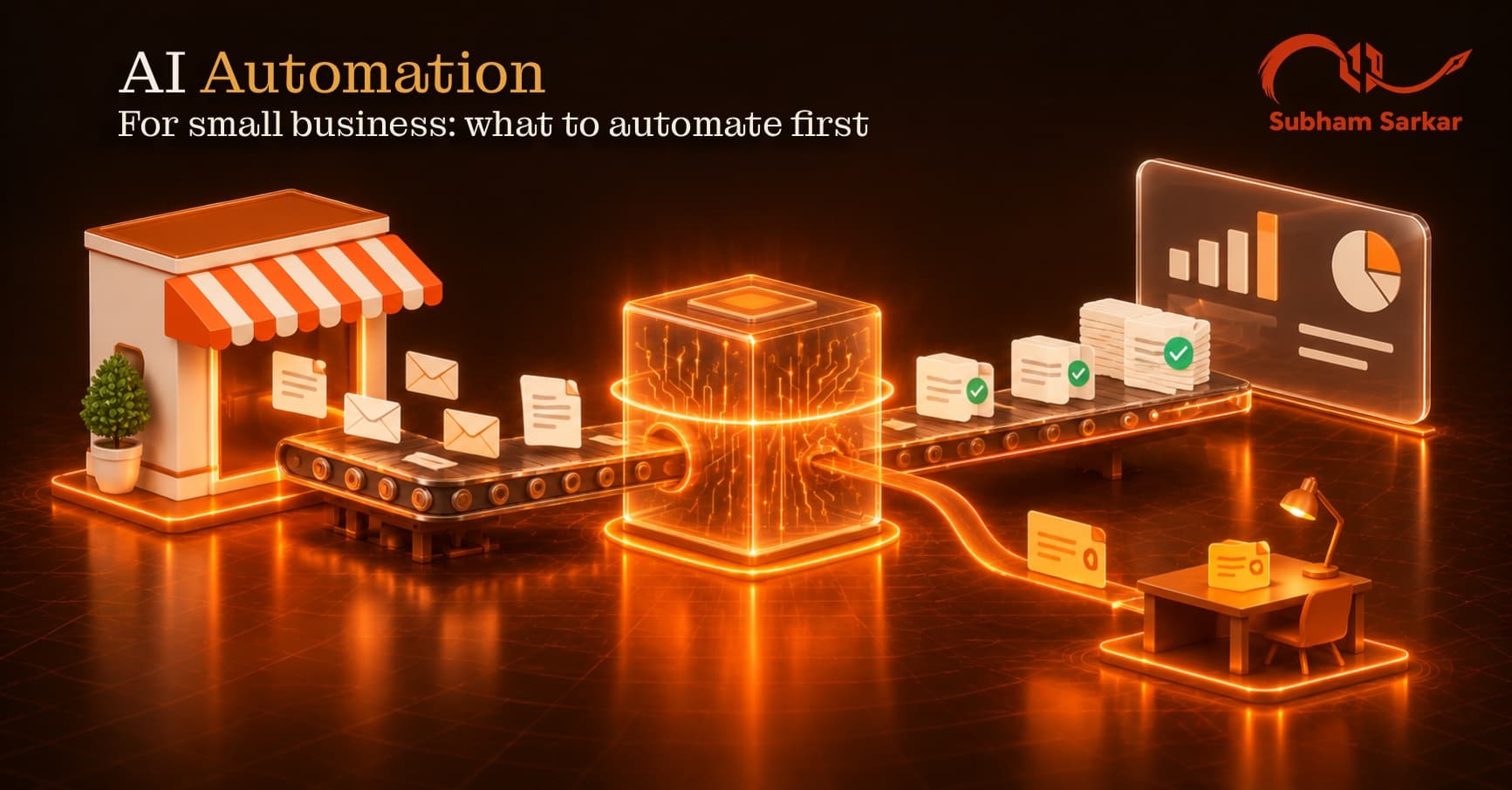

On 30 October the Nasdaq fell about 2.9% in one day, and a big part of the worry was simple: investors want proof that the huge sums going into AI will come back as profit. Alphabet had already raised its 2026 spending plan to between $195 billion and $205 billion in July, and it reported negative free cash flow for that quarter.
If the biggest companies in the world are being asked to show their returns, a business with 20 or 200 people should ask the same thing before it buys anything with "AI" on the label.
I think that is the right question. I have spent over ten years building ERP and CRM systems, and the pattern is the same with every new technology. It pays off when it is pointed at one boring, repeated task with a number attached. It disappoints when the starting point is "we need AI" and no task is in mind.
This guide is for business owners who want to know where AI agents actually earn their keep, and where they do not.
What an AI agent for business really is
A chatbot answers questions. An AI agent does a job.
For example, an agent can read an incoming invoice, pull out the supplier, the amount and the due date, check them against the purchase order, and put the entry into your accounting system. A person only looks at the cases it is unsure about.
That is the whole idea. It reads, decides within clear rules, and acts inside the software you already use. When it is not sure, it asks a human.
A simple test: if you can describe the job as "when this arrives, do that, and ask a person if something looks wrong", an agent can probably handle it. If you cannot describe it that way, the process needs more thought before any software does.
Five processes worth automating first
These are the places where AI automation for business gives the clearest return. They share three traits: the work repeats every day, the rules are mostly clear, and a mistake is easy to catch.
- Invoice and bill processing. AI invoice automation is the most common first project, and for good reason. Invoices arrive as PDFs, photos and emails in a dozen layouts. An agent can read all of them and fill in your system. Your accounts team stops typing and starts reviewing.
- Support ticket sorting. Before anyone replies, someone has to read each ticket, decide what it is and send it to the right person. An agent can do the sorting and suggest a draft reply. Your team still sends it.
- Reading documents. Purchase orders, contracts, KYC forms and delivery receipts all hide key facts inside long pages. An agent can pull out the facts and flag anything that looks odd.
- Lead sorting and CRM data entry. New enquiries come in from your website, WhatsApp and email. An agent can read them, add them to your CRM with the right tags and tell your sales team which ones look serious.
- Answering internal questions. "What is our refund policy for bulk orders?" Staff ask questions like this all day. An agent that searches your own documents can answer in seconds and show where the answer came from.
If you can only afford one of these, start with the task that has the highest monthly volume and the clearest rules. For many businesses that is invoices. Get that one working and measured before you move to the next.
Where AI agents do not pay off
I would not use an agent for these.
- Work that happens a few times a year. If a task takes two hours twice a year, the build cost will never be earned back.
- Decisions with serious consequences and no review step. Firing someone, approving a large loan, signing a contract. A human should stay in the loop.
- A mess you have not cleaned up. If your product names, customer records or approval rules are inconsistent, an agent will copy the mess faster. Fix the process first.
- Anything where you cannot say what "correct" looks like. If two of your own staff would disagree on the right answer, the agent cannot learn it.
Work out the ROI before you build anything
This takes five minutes and saves a lot of money.
- Count how many times the task happens each month.
- Time one person doing it, start to finish.
- Multiply the two, then multiply by the hourly cost of that person.
- Compare that monthly figure with the build cost and the running cost.
Here is an example with made-up numbers. Say your team handles 400 invoices a month and each takes about 6 minutes to key in. That is 2,400 minutes, or 40 hours, every month. If an agent handles most of them and your team only reviews the unclear ones, you might get 25 to 30 of those hours back. Then you compare those hours, at what they cost you, with what the project costs.
If the numbers do not work on paper, they will not work after the build either. Walk away from that idea and pick a different task.
The data question: keeping it private
The first question to ask any provider is: "Where does my data go?"
It is a fair question. Many AI tools send your documents to a public service. For a company handling contracts, financial records or customer details, that is often a no.
The alternative is a private setup, sometimes called local RAG. The AI answers questions using only your own documents, and the documents stay on infrastructure you control, with no outside service involved. It takes more work to set up, but for sensitive data it is usually the better choice.
A simple rule: if a leak of those documents would hurt your business, choose a private setup. If the material is already public, such as product FAQs or price lists, a public tool is usually fine.
How I would start
- Pick one task. The most repeated, most boring one, where mistakes are easy to spot.
- Run the numbers. Use the five-minute ROI check above.
- Build a small version. One task, one system, a few weeks of testing with real data.
- Keep a person in the loop. Let the agent handle the clear cases and pass the uncertain ones to your team.
- Measure for a month. If it saves the time you expected, add the next task. If not, you have lost very little.
This is also how I approach AI agent development for clients. We start small, prove it works, and grow from there.
How long a first agent takes depends on how many systems it has to connect to and how clean your data is. One task connected to one system is a small project. An agent that touches your ERP, CRM and email at once is a bigger one, and it is better to grow into that.
Thinking about your first agent?
If you have a task in mind and you are not sure whether it is worth automating, I am happy to look at it with you. You can see what I build on the services page, or book a free consultation and tell me what is eating your team's time.
Frequently Asked Questions
It is software that does a specific job, such as reading invoices or sorting leads, and works inside your existing systems. It handles the clear cases and hands unclear ones to a person.