
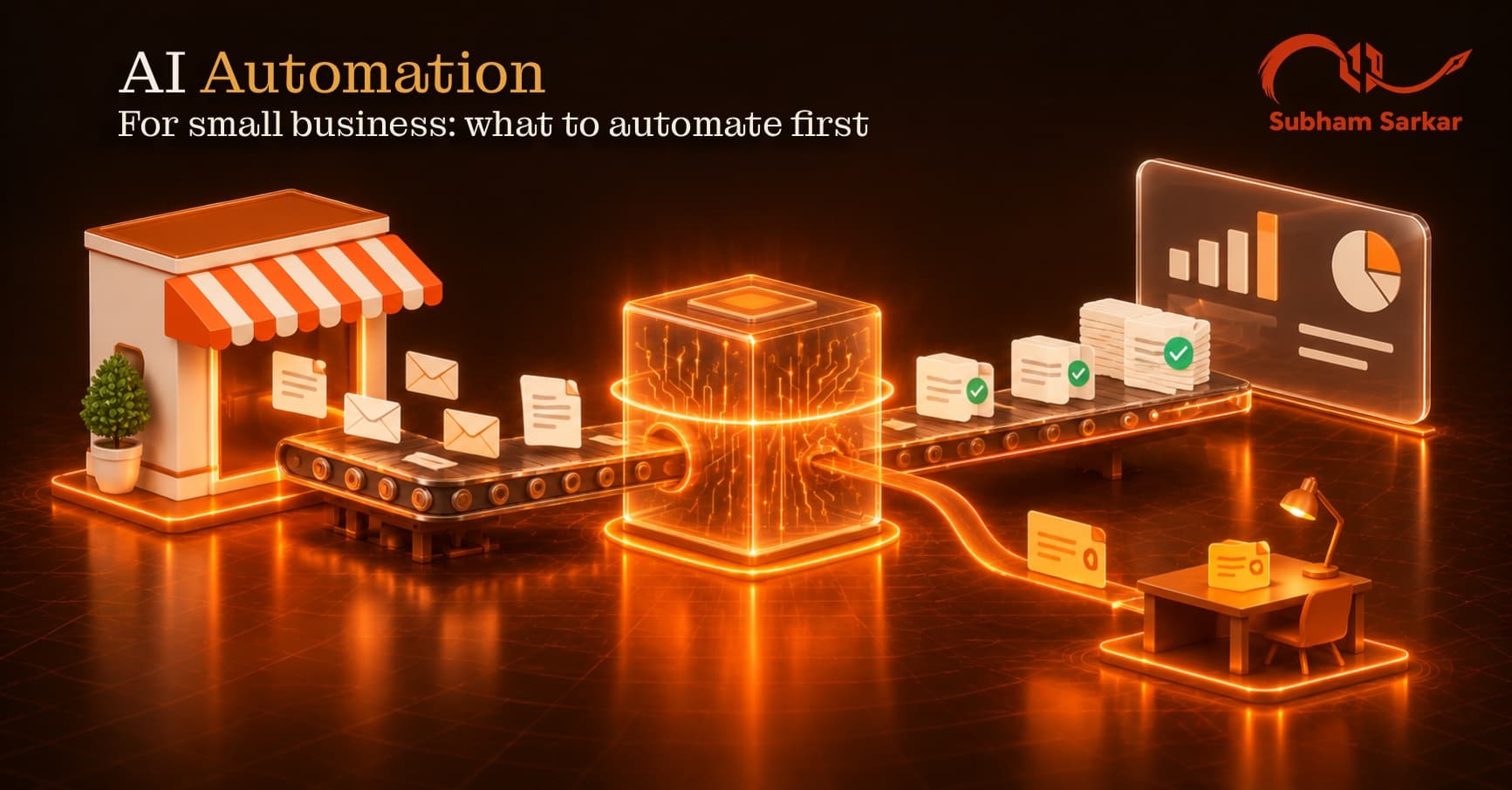
The short answer: start with one process that repeats every day, follows clear rules, and where a mistake is easy to catch. For most small businesses that means invoices, support emails, lead follow-up, reports or order entry. A simple version can cost from about ₹25,000 ($260) with ready-made tools, and a focused custom build for one workflow is commonly published at ₹3,00,000 to ₹6,00,000 ($3,150 to $6,300), plus running costs. It only pays off when the volume is high enough, and the sums below will tell you whether yours is.
This guide covers what AI automation actually is, six processes worth automating first, what it costs, how to check the return before you spend, and the ways these projects go wrong.
What AI automation is
Normal automation follows fixed steps. When this happens, do that. It works well until the input changes, for example when a supplier sends an invoice in a new layout.
AI automation can handle messy input. It can read a scanned invoice, understand an email written in a hurry, sort a support request, or pull the key facts out of a document. A person still checks the doubtful cases.
This is the same idea I describe in my guide to AI agents for business. Here the question is simpler: where should a small business start?
Six processes worth automating first
They share three traits. The work repeats often, the rules are mostly clear, and a mistake is easy to spot.
Process | What the automation does | Keep a person for |
|---|---|---|
Invoice and bill processing | Reads invoices, pulls out supplier, amount and due date, and enters them into your accounts | Unusual invoices and anything above a set amount |
Support email and ticket sorting | Reads each message, tags it, sends it to the right person, and can suggest a reply | Sending the reply, and anything sensitive |
Lead intake and follow-up | Takes enquiries from your website, email and WhatsApp, adds them to your CRM, and sends a first reply | Qualifying serious leads and quoting |
Reports and data entry | Pulls numbers from several tools into one weekly report | Checking the first few reports, then spot checks |
Order processing | Reads orders from emails or spreadsheets, checks stock and prices, and creates the order | Out-of-stock or unusual orders |
Staff onboarding and screening | Collects documents, schedules interviews and answers common policy questions | Hiring decisions |
A small business with a few hundred of any one of these each month has a good candidate. A business with a handful of them probably does not, and I explain why below.
What it costs
Below are the figures agencies publish. Neither table is a quote.
Ready-made tools. Many everyday tools now include AI features, and no-code automation apps connect them together. You pay a monthly subscription for each tool, so check each vendor's own pricing page. This is the cheapest way to start and the right answer for a standard process.
Built for you. These are agency-published ranges for builds, with rupees first.
Level | Indian agencies publish | Agencies abroad publish | Typical running cost |
|---|---|---|---|
Light or scripted workflow | ₹25,000 to ₹3,00,000 ($260 to $3,150) | $5,000 to $12,000 (₹4,75,000 to ₹11,40,000) | $200 to $800 a month (₹19,000 to ₹76,000) |
One focused workflow connected to your systems | ₹3,00,000 to ₹6,00,000 ($3,150 to $6,300) | $12,000 to $25,000 (₹11,40,000 to ₹23,75,000) | $500 to $1,500 a month (₹47,500 to ₹1,42,500) |
Several workflows and many integrations | ₹8,00,000 to ₹25,00,000 ($8,400 to $26,300) | $50,000 to $150,000 (₹47,50,000 to ₹1,42,50,000) | Higher, and grows with use |
Sources: Build Fast with AI (India, September 2026) for the focused workflow and several-workflow rows, Innovative AI Solutions (India) for the light row, and TekRevol (international, August 2026) for the dollar figures. Rupee figures in the dollar column are converted at about ₹95 to $1.
A few points to read with it:
- The ranges disagree because scope differs. A light workflow that moves data between two tools is a very different job from one that reads invoices, checks them against purchase orders and writes into your accounts.
- Running costs are real. Agencies commonly suggest budgeting 15 to 25% of the build cost each year, plus usage charges. One Indian guide puts typical running costs at ₹20,000 or more a month for a production system, depending on volume.
- Integrations are where the money goes. TekRevol estimates that connecting systems and preparing data can take 30 to 50% of the budget. A system with no modern interface costs more to connect.
Check the return before you spend
This takes five minutes, and it often says "do not build".
- Count how many times the task happens each month.
- Time one person doing it.
- Multiply, then multiply by the hourly cost of that person.
- Compare it with the running cost and the build cost.
Here are two examples with made-up numbers. Say each invoice takes 5 minutes and your staff time costs ₹350 an hour.
- 1,200 invoices a month is 100 hours, or ₹35,000 a month. If the automation costs ₹10,000 a month to run, you save about ₹25,000. A ₹3,00,000 build pays back in about 12 months.
- 150 invoices a month is 12.5 hours, or about ₹4,375 a month. A custom build will never pay for itself. A ready-made tool, or simply doing it by hand, is the right answer.
The volume decides it. That is the most useful number in this whole guide.
Ready-made or custom?
Start with ready-made tools when the process is standard and tools for it already exist. Consider a custom build when:
- your data sits in several systems that do not connect well,
- the volume is high enough that per-use fees add up,
- your documents are sensitive and should not leave your control, or
- your process is unusual enough that standard tools keep getting in the way.
My guide to AI agents for business covers the private setup option for sensitive data.
Where it goes wrong
These are the problems that come up again and again in agency guides and in practice.
1. Automating a messy process. If the steps are unclear or people do it differently, automation just does the confusion faster. Write the process down and fix it first.
2. Dirty data. If your records are duplicated or incomplete, the automation repeats those errors. Clean your data before you connect anything. The data checklist in my custom CRM guide is a good starting point.
3. The odd cases. An automation handles the normal cases well. The unusual ones need somewhere to go. Build a review queue that a person checks every day, or odd cases pile up unseen.
4. Silent failures. When another tool renames a field or changes its interface, an automation can keep running with empty or wrong values for weeks. Set up alerts, and check a sample every week.
5. Confident mistakes. AI can be wrong and sound sure. For money, tax, legal and sensitive customer matters, keep a person in the loop.
6. Costs that creep. Usage charges grow with volume. Set a monthly cap and review it. Also ask who pays if the AI model you depend on is changed or retired.
7. No owner. Name one person who is responsible for the automation after it goes live.
Questions to ask before you hire anyone
- What is included in the price, and what is not?
- How will it read from and write to my existing systems?
- What happens when the input is bad or another system is down?
- Who maintains it after launch, and what does that cost each month?
- How will we measure that it works, using real cases from my business?
- Who owns the code, the prompts and the data?
A good provider answers these plainly. A vague answer tells you something.
How I would start
Pick one process. Run the five-minute return check. Clean the data it uses. Start with ready-made tools if they fit, and only build custom if the numbers and the process justify it. Run it for a month with a person checking every result, then widen it. If the first project saves time and nobody is firefighting, move to the next one.
Not sure what to automate first?
If you have a process in mind and want a second opinion on whether it is worth automating, send me a short description of the steps and how often it happens. You can see how I approach this on the business process automation page, or book a free consultation.
Frequently Asked Questions
It is software that does repetitive office work, such as reading invoices, sorting emails and entering orders, and that can handle messy input like scanned documents or hurried messages. A person still checks the doubtful cases.