
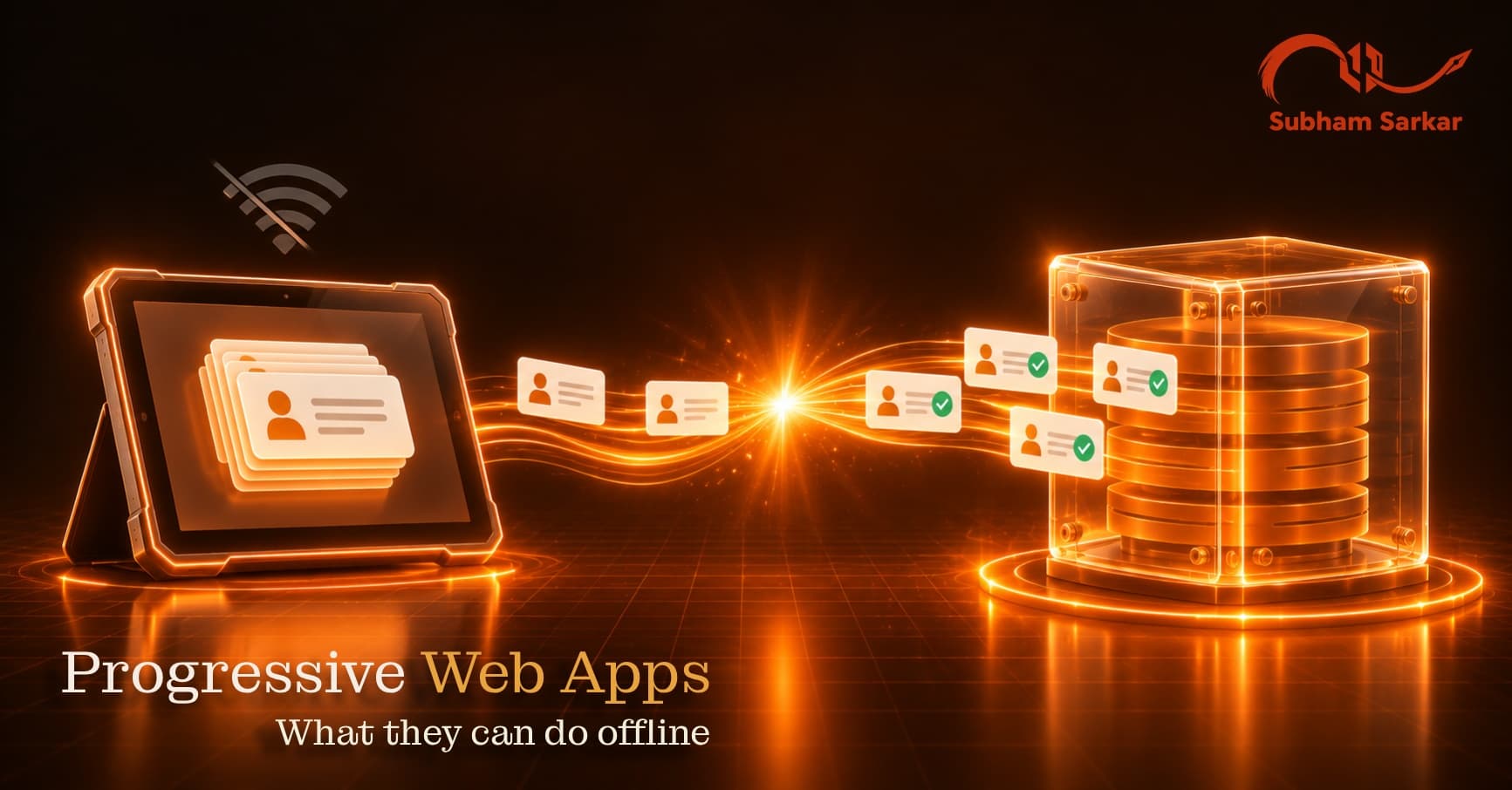
A progressive web app, or PWA, is a website that behaves like an app. People open it in a browser, add it to their phone's home screen, and it opens full screen with its own icon. Business owners ask about PWAs for one reason more than any other: can my team keep working when the internet drops?
The short answer: a PWA can do that well, with limits. It can save work on the device and send it when the connection returns, which suits forms, checklists, quotes and order entry. It works best on Android and has more limits on iPhone. It is not the right answer for everything, and this guide shows where it fits and where a native app is better.
What a PWA can do for a business
- One build for every device. The same app runs on Android phones, iPhones, tablets and laptops.
- No app store. You share a link. There is no store review to wait for and no store commission.
- Instant updates. When you publish a change, everyone has it the next time they open the app.
- A home screen icon. It looks and feels like an app once it is installed.
- Offline use. It can store data on the device and keep working without a signal, if it is built for that.
The last point is where most of the care goes, and where PWAs differ most from ordinary websites. The rest of this guide is about it.
Who needs offline
If any of these describe your team, it is worth a look:
- Staff who visit homes, shops or sites and fill in forms, checklists or quotes
- Warehouse and stock teams who work in places with poor signal
- Delivery and field-service teams on the road
- Inspection or survey teams in basements, plants or rural areas
- Sales reps who take orders in places where the network drops
Two quick questions tell you more: do your people lose signal where they work, and does anyone ever write things down twice because the app failed? If yes to either, offline is not a luxury.
What offline-first means
Most web apps are online-only. They need the internet for every tap, and when it drops, the screen freezes or the work is lost. Some work offline only a little: they show a cached page, but you cannot really do anything.
An offline-first app treats the device as the first place work is saved. The internet is for sharing the work, not for doing it.
How it works, in simple steps
- The person fills in a form or updates a record. The app saves it on the device straight away.
- The app marks it as waiting to be sent, and shows the person a clear label, such as "3 changes waiting".
- When the connection returns, the app sends the waiting changes to the server.
- The server checks each change, accepts it, and updates the main record.
- Other people's devices pick up the new version.
Everything difficult about offline apps happens in steps 3 to 5.
What can go wrong, and how to handle it
Two people change the same record. One person edits a customer's address offline while another changes the phone number. Or both change the same field. The app needs a rule, and there are four common ones:
- Latest change wins. Simple, but one person's work can be silently lost.
- Merge field by field. The address from one person and the phone number from the other both survive. Better for records with many fields.
- Ask a person. If two changes clash on the same field, someone sees both and chooses. Best for important data like prices or stock counts.
- Avoid the clash by design. Assign each record to one person at a time, so two people never edit it at once.
My advice is to choose the rule for each type of data, not once for the whole app. A visit note and a stock count do not need the same rule.
The same thing is sent twice. A phone with a weak signal may retry. Without care, one order becomes two. The usual fix is to give every saved entry a unique ID on the device, so the server can see that a retry is the same entry and ignore the duplicate.
Data disappears from the phone. On iPhones, Safari can clear a website's stored data if you have not used the site for about a week. Apps added to the home screen are generally treated differently, but confirm this with your developer on current iPhone versions. The safe habits are to sync often, show people what is still waiting, and never rely on the phone as the only copy for long.
Photos and big files. These are heavy and slow on a weak signal. Send the text first and the photos after, and show the status of each.
What phones allow
This is where many projects get surprised.
- On Android with Chrome or Edge, an app can use the Background Sync feature. The browser sends the waiting changes once the connection returns, even if the person has closed the app.
- On iPhone, Safari does not support Background Sync. The app has to send the waiting changes when it is open and the connection is back. So the design should show a clear "waiting to sync" label and remind people to open the app once they have signal.
- Installing on iPhone is manual. There is no automatic prompt, so people have to add the app to the home screen themselves, and staff need a short guide for it.
- Notifications on iPhone for web apps only work after the person adds the app to the home screen.
- Storage is more limited and less predictable on iPhone than on Android.
None of this makes offline impossible. It means the app must be designed for the weaker platform, then tested on real phones in the worst signal your team really faces.
PWA or native app?
A PWA is often a good fit for:
- Forms, checklists, inspections and visit notes
- Quotes and order entry
- Tools where most of the data is text and numbers
- Teams on a mix of Android and iPhone, where one build saves effort
A native mobile app can be the better choice when you need:
- Reliable tracking of location in the background
- Connections to Bluetooth devices or scanners
- Large amounts of offline data, such as detailed maps
- The smoothest possible feel on a specific phone
If you are still deciding between web and mobile overall, my guide to web app vs mobile app walks through it by business type.
Questions to ask a developer before you build
- Which work has to function with no signal, and which can wait?
- What happens when two people change the same record, and who decides?
- How do you stop the same entry being saved twice?
- What will staff see while changes are waiting to send?
- How will it behave on an iPhone that has been unused for a week?
- How will you test it, in the worst signal spot my team works in?
- What happens to photos and large files?
- If a sync fails, how will we find out?
A good developer can answer these in plain words. If the answers are vague, that tells you something.
A sensible way to start
Do not make the whole system offline at once. Pick one workflow, such as an inspection form or a quote. Build it to work offline, put it in the hands of real staff, and test it in the place where signal is worst for two weeks. Count how many entries fail to sync and why. Fix those, then add the next workflow.
Thinking about software your team can use anywhere?
If your staff lose signal where they work, send me a short description of the workflow and how many people use it. You can see how I approach this on the web and mobile application development page, or book a free consultation.
Frequently Asked Questions
It is a website that works like an app. People open it in a browser, can add it to the home screen, and it can store data so it keeps working with a weak or missing signal. There is no app store involved.