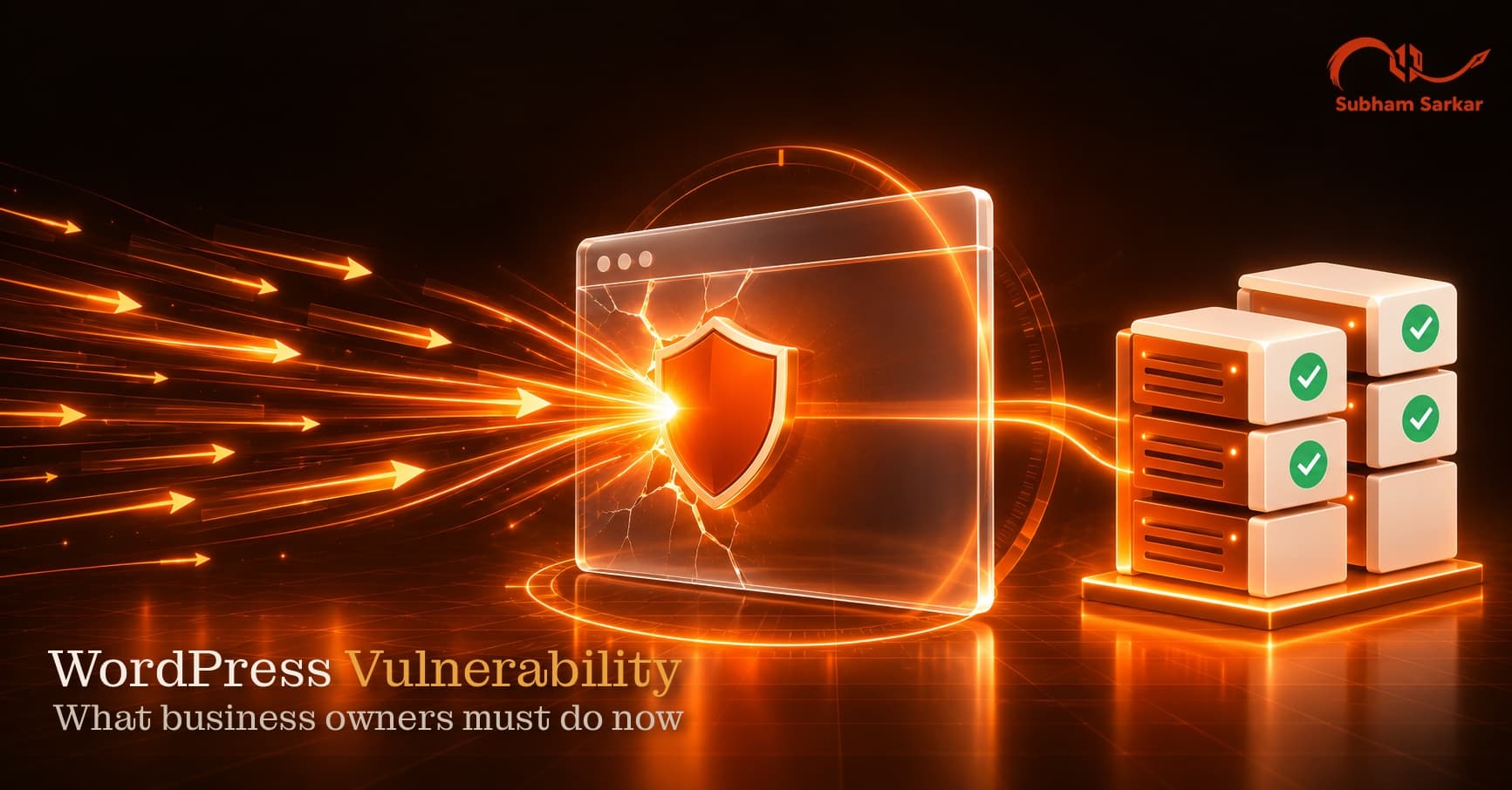
The short answer: if your business runs on WordPress, update it today. On 3 November, the US cyber agency CISA confirmed that attackers are exploiting a flaw in WordPress core. The fix has been available since 28 October. You do not need to panic, but this is a job for the next day or two, not the next quarter.
This guide explains what happened in plain English, what to check in about 30 minutes, and what to ask the person who looks after your website or software.
What happened this month
Here are the facts I have checked, with the sources named at the end.
- The WordPress flaw. It is tracked as CVE-2026-119977 and rated high severity. It is a timing flaw in WordPress's upgrade process. In the right conditions, an attacker with no login can run code on the server during the upgrade window. The attack is not simple to carry out, but it is being tried. WordPress released version 7.1.4 on 28 October to fix it and told site owners to update immediately. CISA added it to its list of actively exploited vulnerabilities on 3 November. Wordfence, a WordPress security company, said it blocked 13,095 attacks aimed at this flaw in a single day.
- This is not the first time this year. In July, WordPress patched a critical chain of flaws known as wp2shell. Bleeping Computer reported that public exploit code appeared one day after the patch, and attackers were breaking into unpatched servers a few days later. It also reported that in September, a group used that chain to take more than 18,500 records from the databases of small businesses and government bodies.
- PHP had its own bad month. Two critical PHP flaws, nicknamed PHP2Shell, were confirmed by CISA as exploited. Security firm Dream Security reported that attackers chained them with a Linux kernel flaw called Fragnesia to take over more than two dozen servers, including firewalls. The suspicion that a China-linked group was behind it comes from Dream and is not confirmed. The Linux fix has existed since May, but it only takes effect after the server restarts. WordPress runs on PHP, so it is worth asking your host about both.
None of this means WordPress is a bad choice. It means popular software gets attacked quickly, and the time between a patch and an attack is short.
Is your site at risk?
You are likely at risk if any of these are true:
- Your site runs WordPress and you have not updated since late October.
- Nobody is clearly responsible for updates.
- You use several plugins or themes you no longer need.
- Your host has never told you how it handles security updates.
If your site is on WordPress and you are not sure of the version, log in to your dashboard and open the Updates page. It shows the version and whether an update is waiting.
What to do today (about 30 minutes)
- Back up first. Save a copy of your files and your database, and keep it somewhere other than the same server.
- Update WordPress core. Apply version 7.1.4 or the latest release. If you run an older maintained branch, confirm its patched version on WordPress.org.
- Update plugins and themes, and delete the ones you do not use.
- Review your users. Remove any admin you do not recognise, and make sure every admin has a strong password and two-step login.
- Ask your host two questions: is PHP up to date, and has the server itself been patched and restarted this month?
- Turn on automatic security updates if your setup allows it.
- Ask for a look at the logs from the last week for anything unusual.
If you do only three of these, do the backup, the core update and the user review.
The pattern behind the 2026 headlines
Looking at this year's incidents, almost all come down to two plain causes.
- Slow patching. WordPress shows how fast things move. Frappe, the framework behind ERPNext, had a serious SQL injection flaw (CVE-2026-31877, rated 9.8) published in March, with fixes in versions 15.84.0 and 14.99.0. Anyone running an older ERPNext version needed to update.
- Wrong permissions. The Next.js flaw CVE-2026-44575, patched in May in versions 15.5.16 and 16.2.5, let some protected pages be reached around a middleware check. The lesson is not to rely on one check alone. The Salesforce incidents in March were similar: public guest profiles were set up with too much access. I covered that in my custom CRM guide, including a 10-point data safety checklist you can reuse here.
Neither cause needs a clever attacker. Both need a routine.
A 10-point security checklist for any site, ERP, CRM or custom app
- Name one owner for security updates, with a backup person.
- Patch within days, and sooner for anything CISA lists as exploited.
- Turn on automatic security updates where they are safe to use.
- Give each person the least access their job needs.
- Require two-step login for every admin and staff account.
- Keep tested backups outside the live server, and try restoring one.
- Remove what you do not use: plugins, themes, old libraries and old accounts.
- Put a firewall or rate limit in front of public pages and login screens.
- Keep logs and alerts, so a strange pattern gets noticed.
- Write down the plan for what to do on the day something goes wrong.
Who is responsible for security?
This is where many owners get caught out. Who patches depends on what you use.
What you use | Who patches the platform | Who sets permissions | Your job |
|---|---|---|---|
WordPress you manage yourself | You or your developer | You or your developer | Run an update routine and keep backups |
Managed WordPress hosting | Often the host for core, but check what is included | You | Keep plugins, themes and users in order |
SaaS CRM or ERP (HubSpot, Zoho, Salesforce) | The vendor | You | Check guest access, roles and vendor terms |
A platform you host (ERPNext, Odoo) | You or your partner | You or your partner | Apply version fixes quickly |
A custom build | Whoever built it, under your agreement | Whoever built it | Agree a written maintenance plan |
If you are weighing these options, the same thinking from my custom ERP cost comparison applies: count the upkeep, not just the first invoice. A custom build is not automatically safer. It removes dependence on a public plugin ecosystem, but someone still has to patch it and manage its permissions.
Questions to ask your developer or host
- Who applies security updates, and how quickly?
- How will I be told when an urgent patch is released?
- Which versions of PHP, WordPress or my framework am I on, and when does support for them end?
- Where are backups stored, and when was one last restored as a test?
- Who has admin access to my site and servers right now?
- Is there a staging copy, so updates are tested before they go live?
- What happens if an emergency patch is needed at night or on a weekend?
- Is the maintenance scope written down?
A good partner answers these without fuss. If the answers are vague, that tells you something.
Not sure if your site or software is safe?
If you want a second pair of eyes on how your website, ERP or CRM is built and maintained, send me a short description of your setup and who looks after it. You can see what I build on the services page, or book a free consultation.
Frequently Asked Questions
If your site runs WordPress core below the patched release, it could be. WordPress released the fix in version 7.1.4 on 28 October and recommends updating immediately. Check your version on the Updates page of your dashboard and update after taking a backup.